
WGS ClientX – Client Area & Theme Layout Settings Guide
Before configuring any of the options below, follow these steps once:
-
Log in to your WHMCS Admin Panel.
-
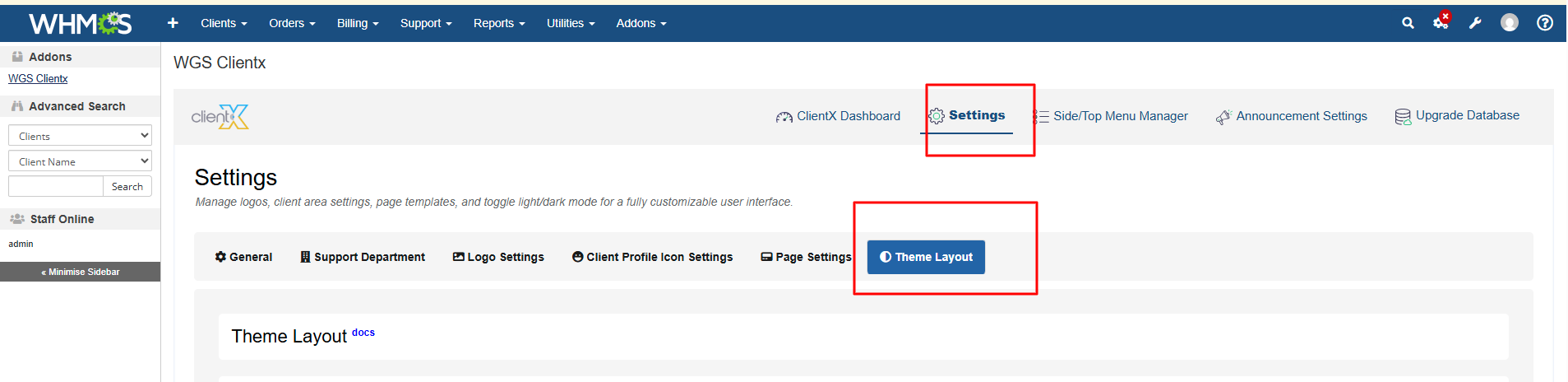
Navigate to Addons > WGS ClientX > Settings.
-
Click Settings to open the Theme Layout tab.
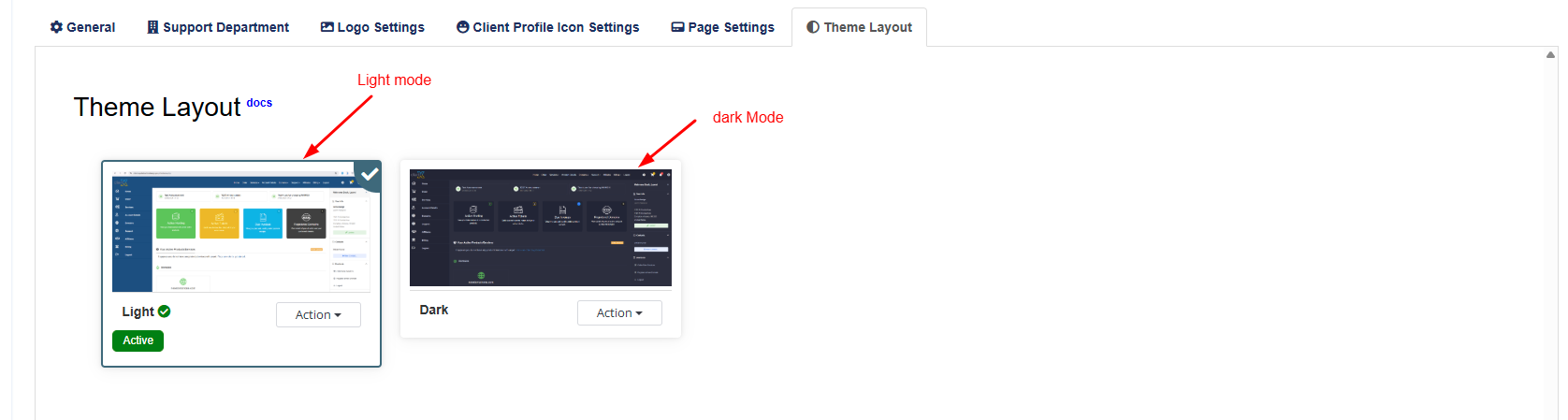
Light Mode
When Light Mode is selected, the light theme will be applied across the entire Client Area.
Dark Mode
When Dark Mode is selected, the dark theme will be applied across the entire Client Area.
