
Hostx - WHMCS Web Hosting Theme
Step 1: Login FTP or Cpanel
Step 2: Go to templates/hostx/og_images/
Step 3. Upload the desired OG Tag image
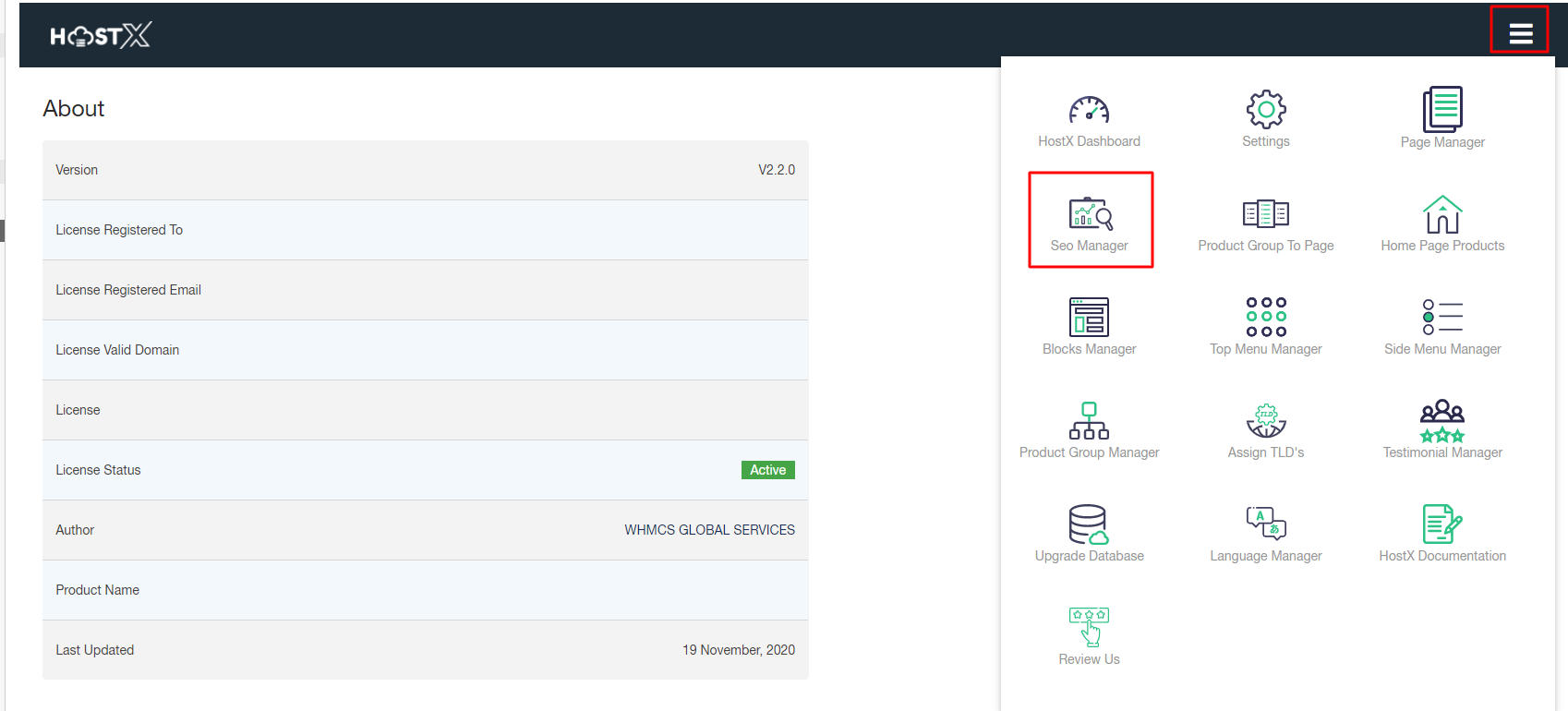
Step 4. Open HostX Admin Panel and click on the hamburger menu. Select SEO Manager
Step 5. In the OG Image section, go to Browse Image and select the newly updated image and Update Settings.

Step 5. In the OG Image section, go to Browse Image and select the newly updated image and Update Settings.
