
Step1: Login to Blesta Admin
Step2: You can see the Clientx menu in the staff navigation.
Step3: Now you are in Clientx Plugin
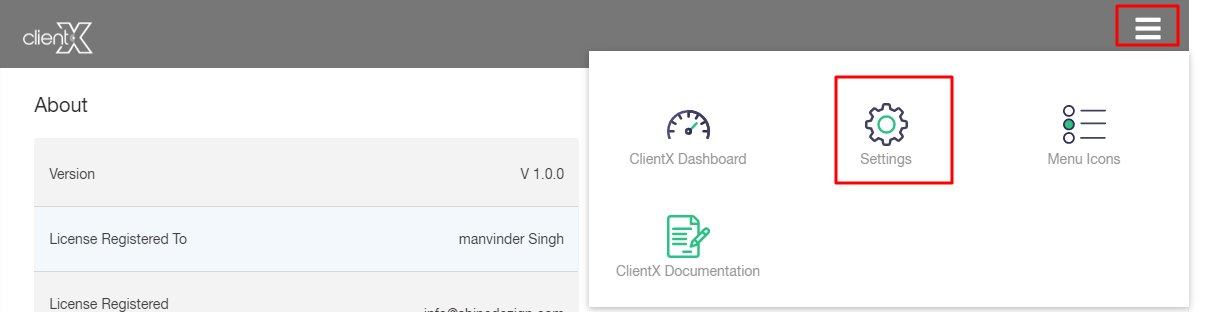
Step4: Click On Right Side Menu
Step5: Now Tab on Setting
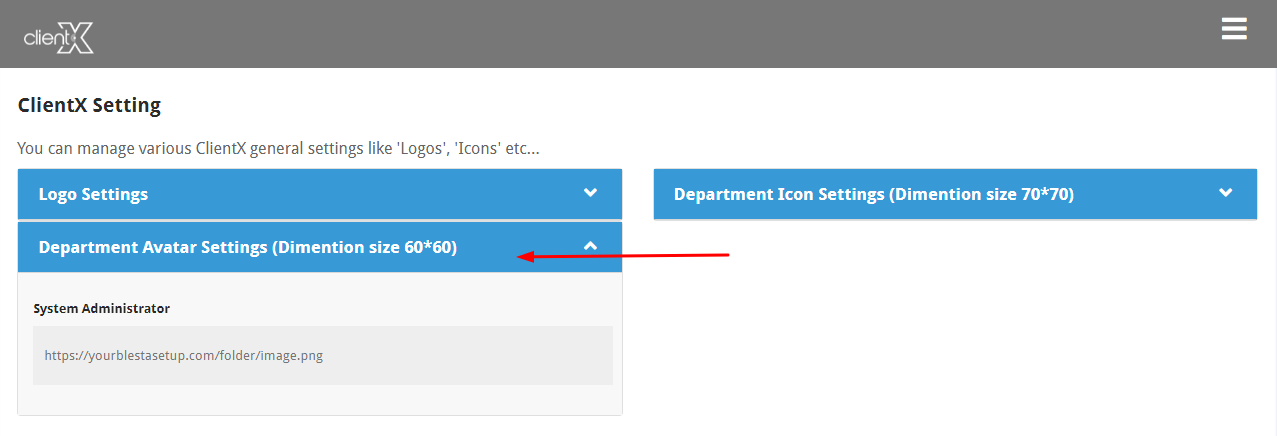
System Administration:
You can easily update the avatar for your support department by entering the URL of your brand logo here.
Note: After all the customization click on the Save option.
