
Step1: Login to Blesta Admin
Step2: You can see the Clientx menu in the staff navigation.
Step3: Now you are in Clientx Plugin
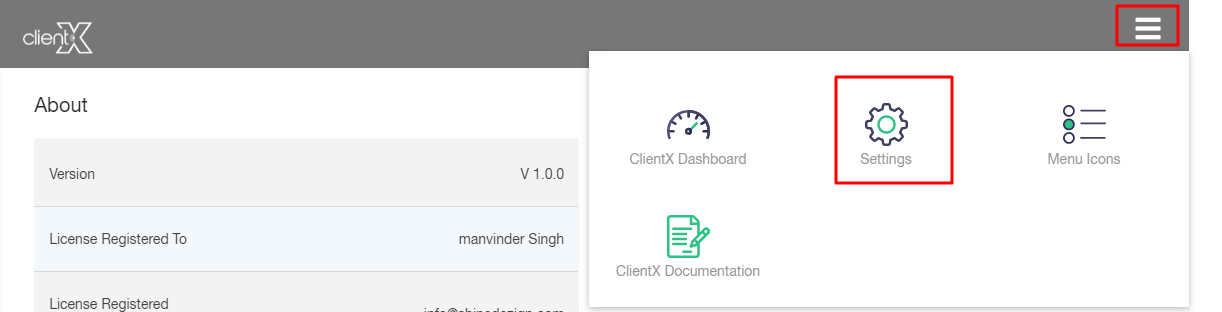
Step4:Click On Right Side Menu
Step5: Now Click On Setting
In order to change your customer support modes and settings, click on Department Icon Settings (Dimension size 70*70) menu and enter the relatable images in the following sections
- General Query
- Sales Department
- Support Department
- Telephonic
- Business

Note: After all the customization click on the Save option.
