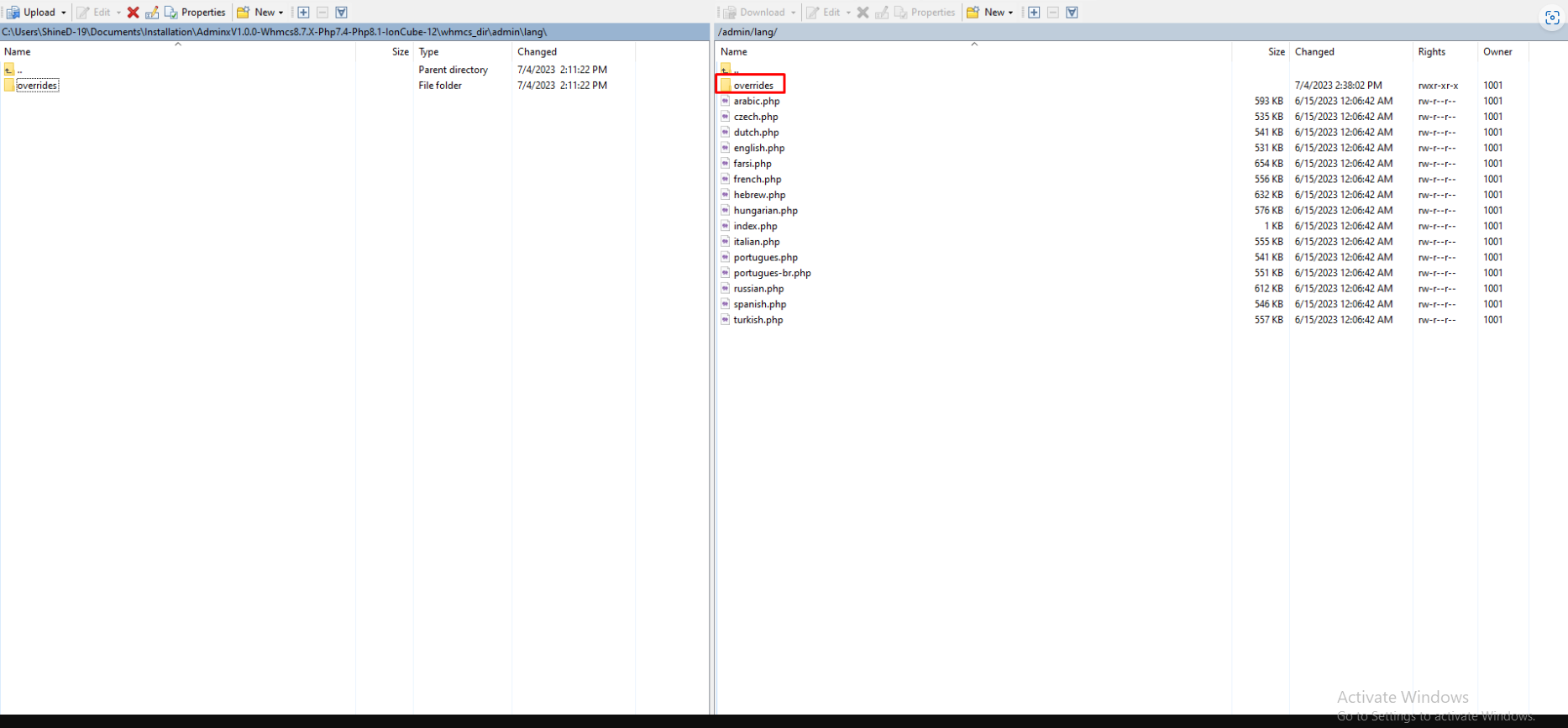
Step 1: Login to your FTP or Cpanel.
Step 2: Go to this path whmcs-admin/lang/overrides.
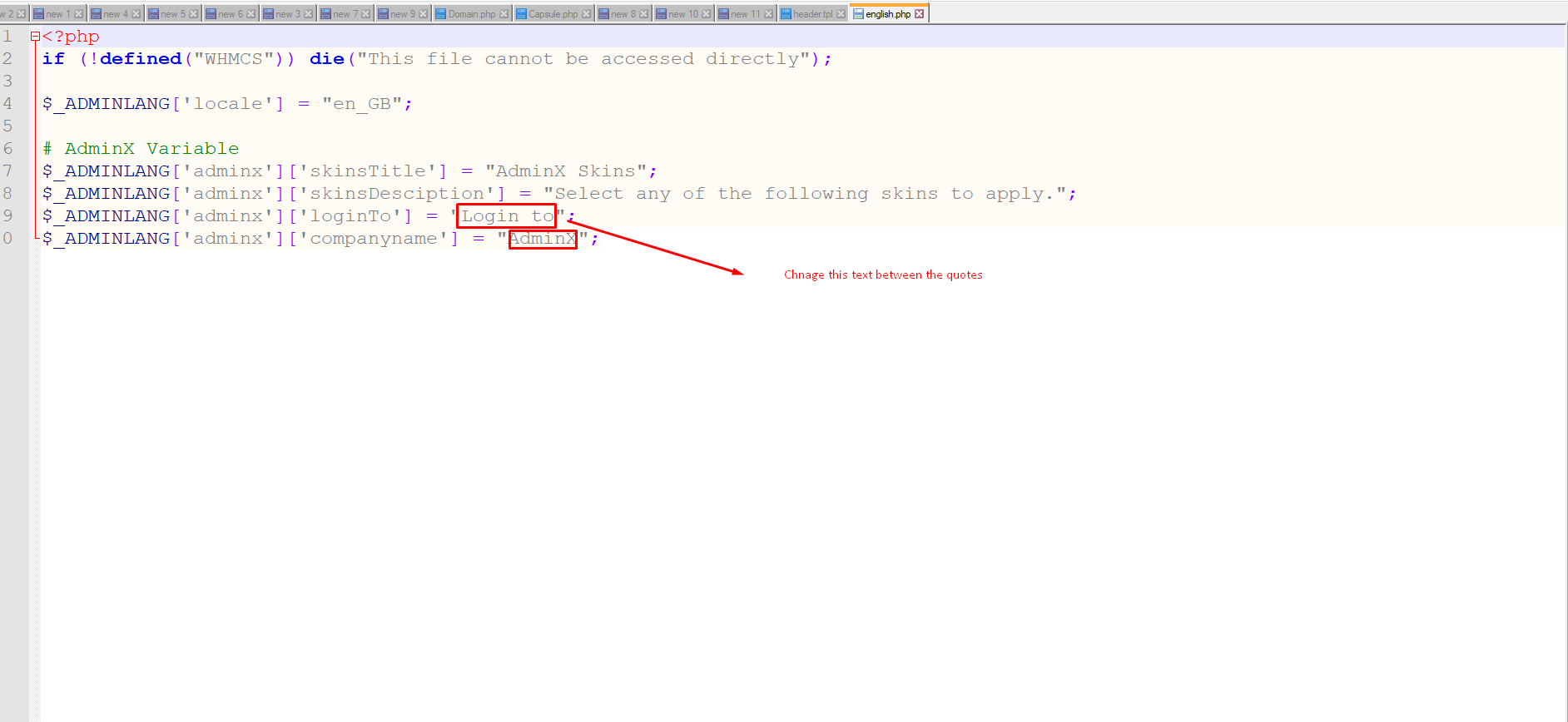
Step 3: Now open overrides folder and then edit english.php and update the text as per your preferences, aligning it precisely with the instructions illustrated in the accompanying screenshot.
<?php
if (!defined("WHMCS")) die("This file cannot be accessed directly");

$_ADMINLANG['locale'] = "en_GB";

# AdminX Variable
$_ADMINLANG['adminx']['skinsTitle'] = "AdminX Skins";
$_ADMINLANG['adminx']['skinsDesciption'] = "Select any of the following skins to apply.";
$_ADMINLANG['adminx']['loginTo'] = "Login to";
$_ADMINLANG['adminx']['companyname'] = "AdminX";