
Step 1: Login to your FTP or Cpanel.
Step 2: Go to the lang folder.
Step 3: Go to this path whmcs-admin/lang/overrides.
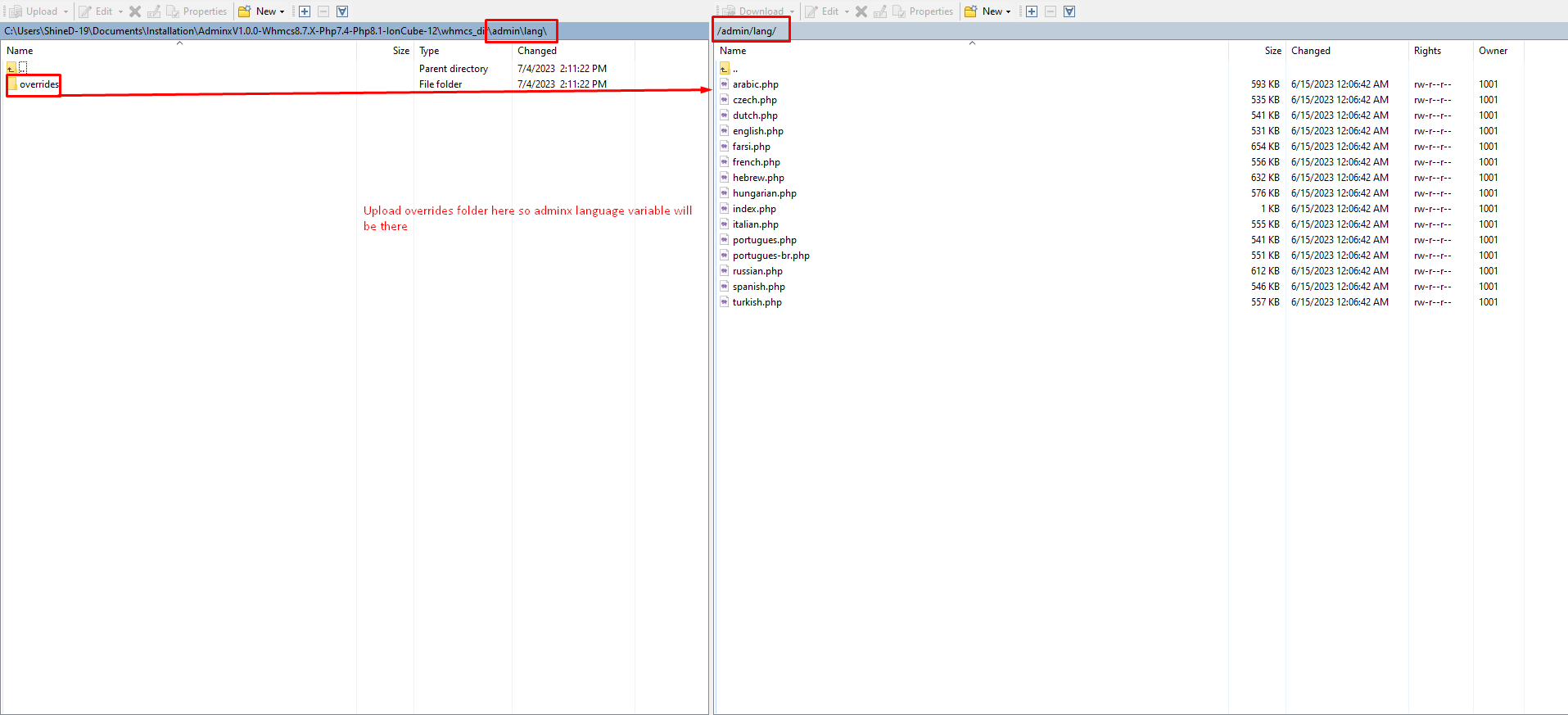
Step 4: Now open the both side overrides folders.
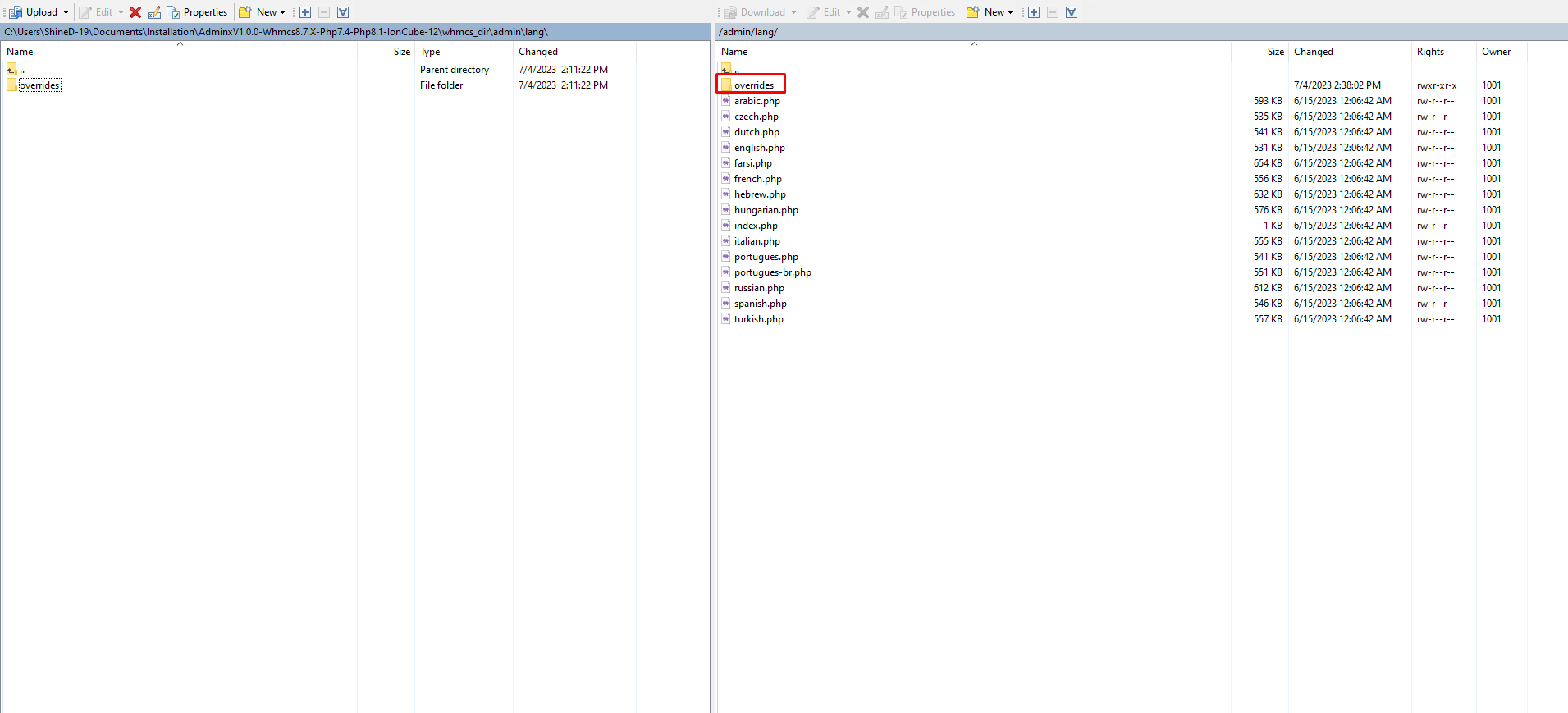
Step 5: Now edit the english.php file or your desired language like we have edited the english.php file.
Step 6: Copy and paste all new language variable from here to end and paste it to end of file over your WHMCS file setup at same location and same file.
 # AdminX Variable
$_ADMINLANG['adminx']['skinsTitle'] = "AdminX Skins";
$_ADMINLANG['adminx']['skinsDesciption'] = "Select any of the following skins to apply.";
$_ADMINLANG['adminx']['loginTo'] = "Login to";
$_ADMINLANG['adminx']['companyname'] = "AdminX";
Step 7: Save the files and repeat the process for other language files
