Step1: Login to Blesta Admin
Step2: You can see the Clientx menu in the staff navigation.
Step3: Now you are in Clientx Plugin
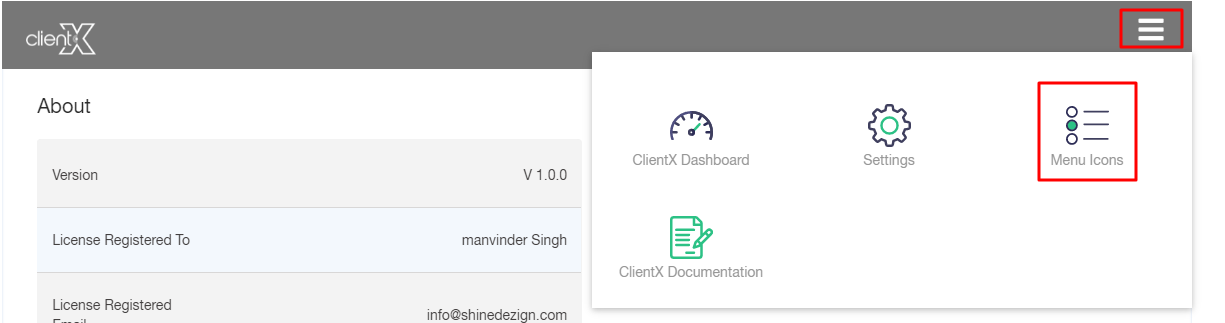
Step4:Click On Right Side Menu
Step5: Now Click On the Menu icon
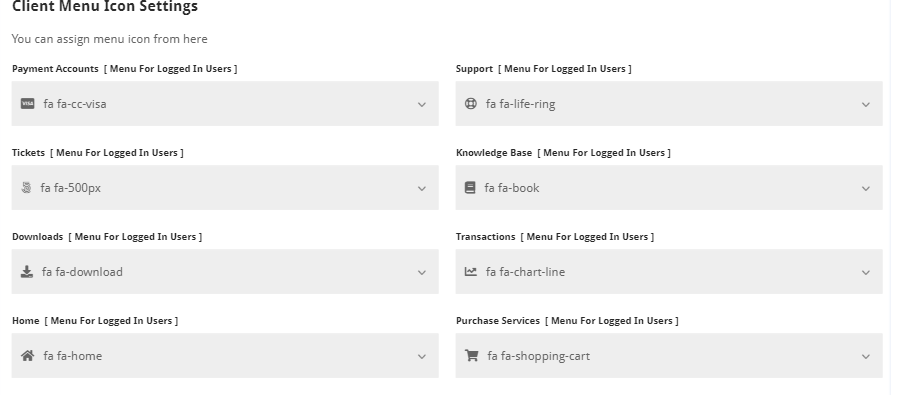
In this setting you will get the following option:
You can assign the menu as
.Logged in user
.Public user
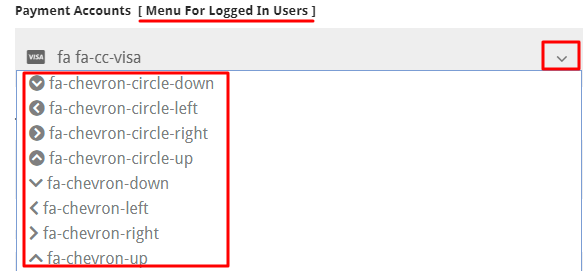
For Example:
Payment Accounts section: MenuFor Logged In users
By drop-down the arrow, you can choose the icon as per your choice.
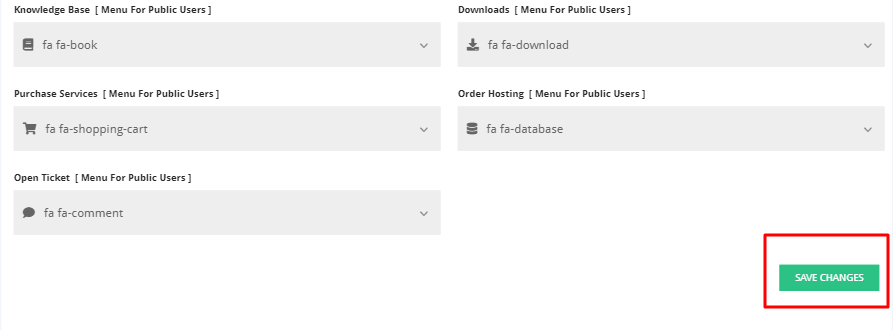
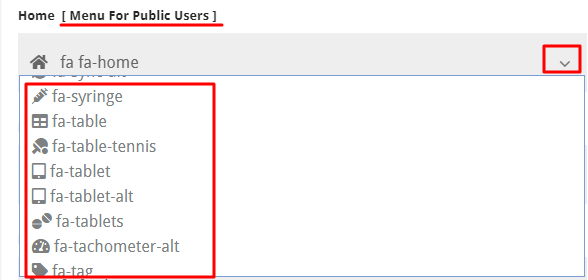
Home: Menu For Public users
By drop-down the arrow, you can choose/assign the icon as per your choice.
Note: After all the customization click on the save option.