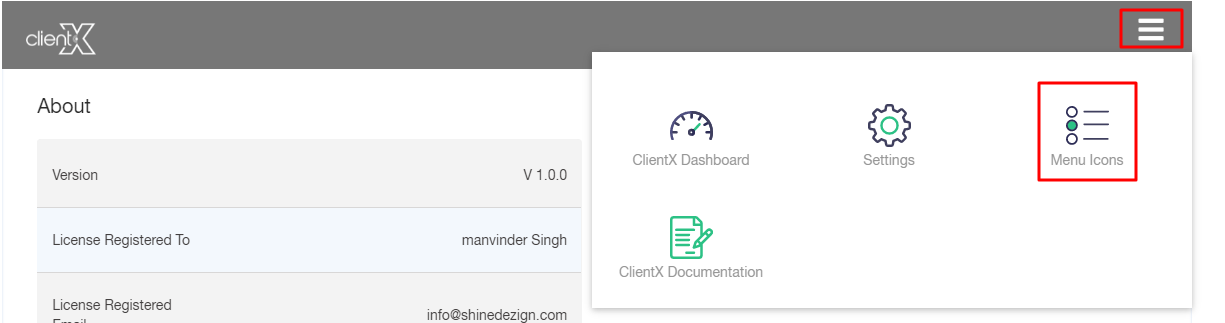
Step1: Login to Blesta Admin Step2: You can see the Clientx menu in the staff navigation. Step3: Now you are in Clientx Plugin Step4:Click On Right Side Menu Step5: Now Click On the Menu icon