Redirect WHMCS Home Page to Client Login Page
WHMCS allows you to skip the default homepage and redirect users directly to the client login page. To enable this:
-
Log in to your WHMCS Admin Panel.
-
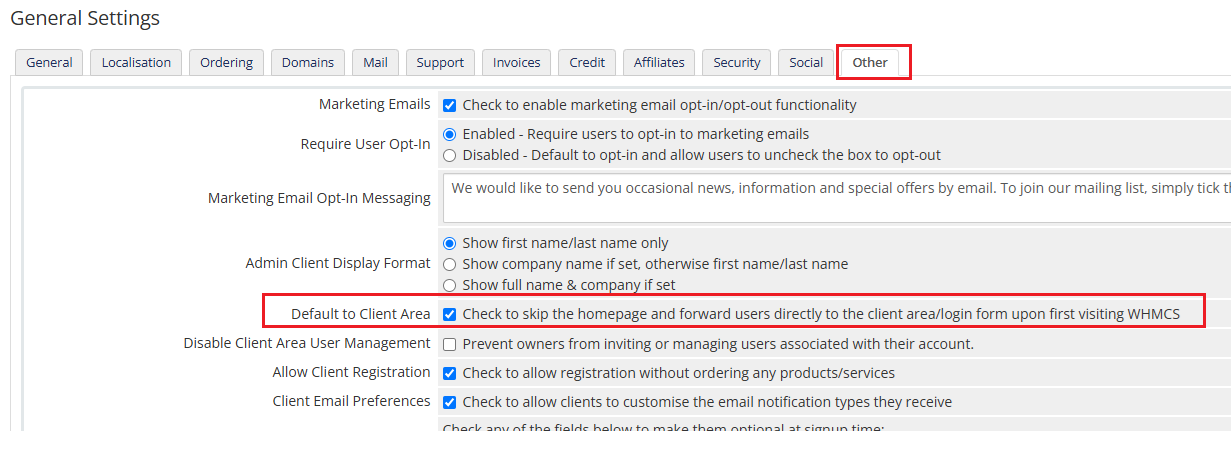
Navigate to System Settings > General Settings > Other tab.
-
Locate the option "Default to Client Area" and check the box.
-
Click Save Changes.
This setting ensures visitors are redirected straight to the login page instead of the homepage.