How to Disable Email From Header
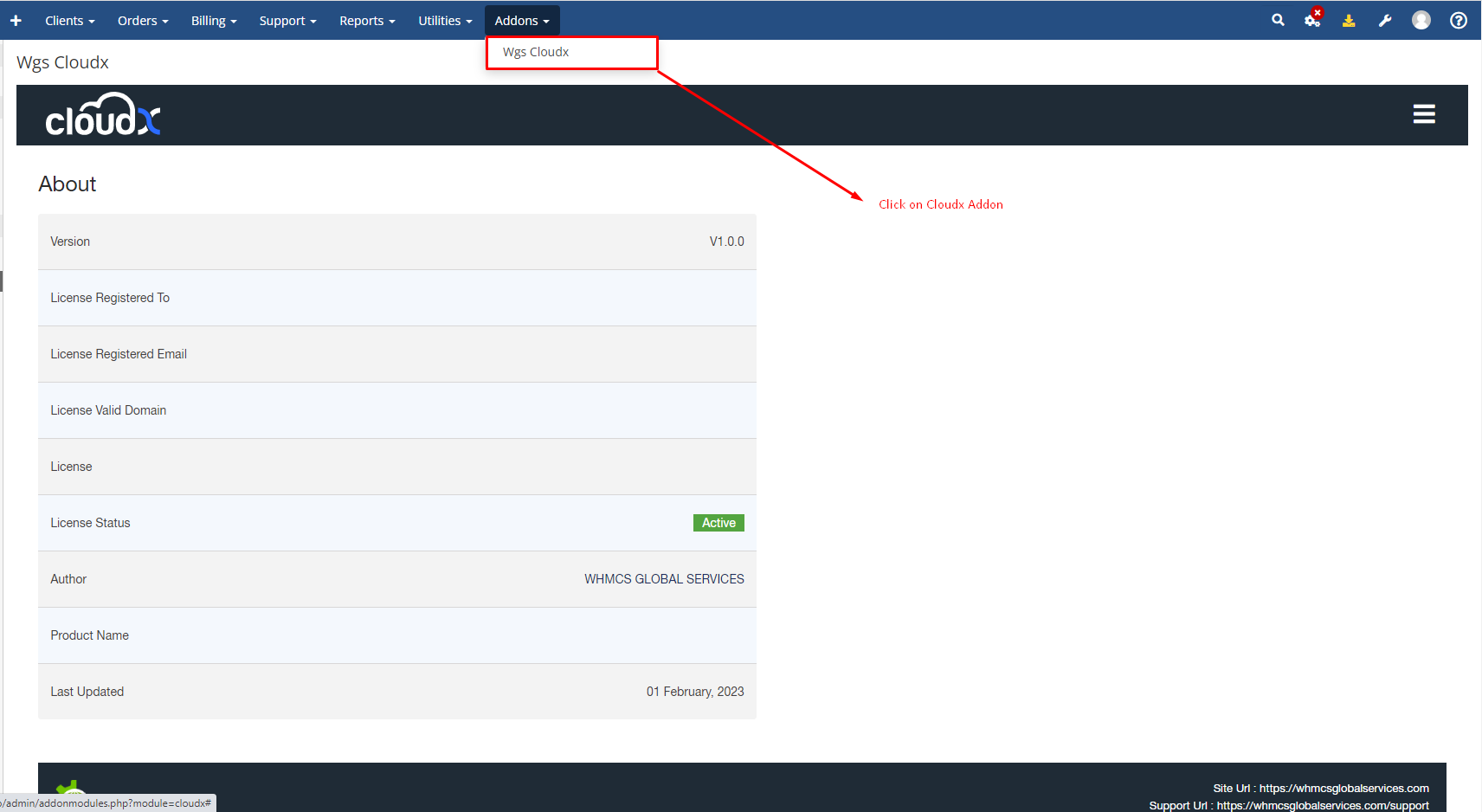
Step 1: Log in to WHMCS Admin and click on Cloudx addon
Step 2: Then click on Settings Menu

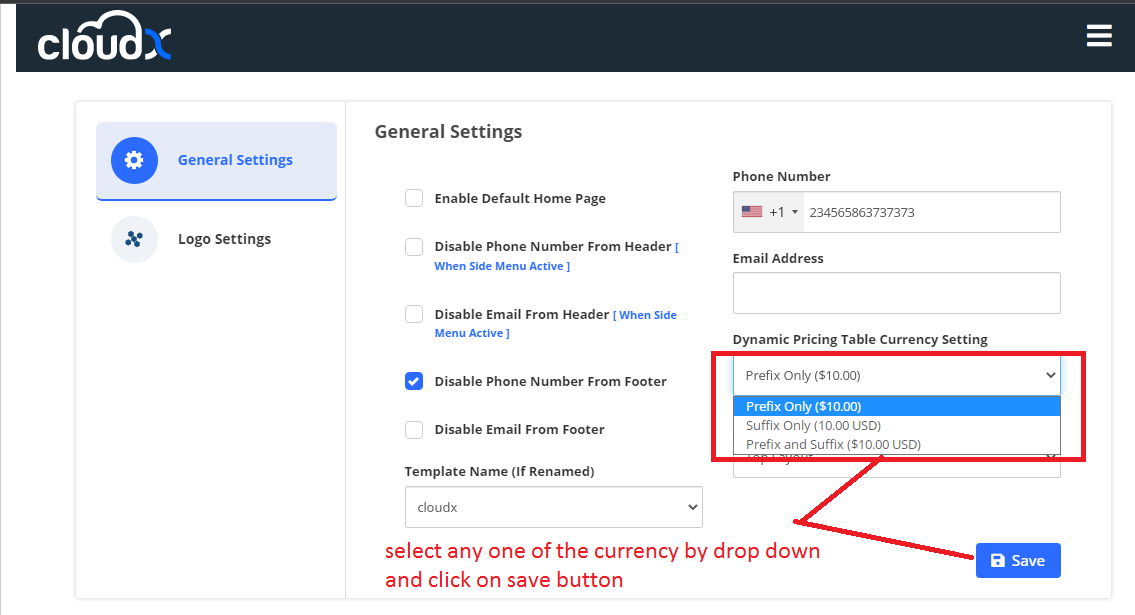
Step 3: After clicking on the setting button you will see the general settings as shown in the screenshot then select the Dynamic Pricing Table Currency drop down and click on the save button
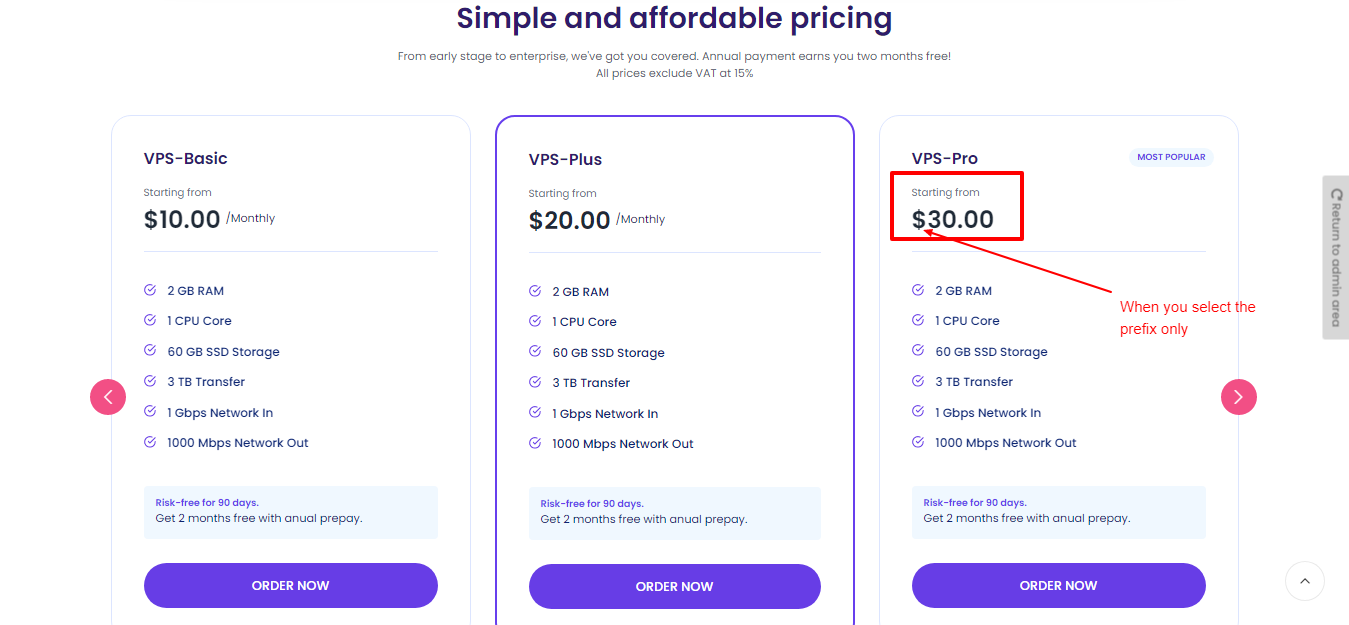
Step 4: After selecting the Dynamic Pricing for prefix currency it will look like this.
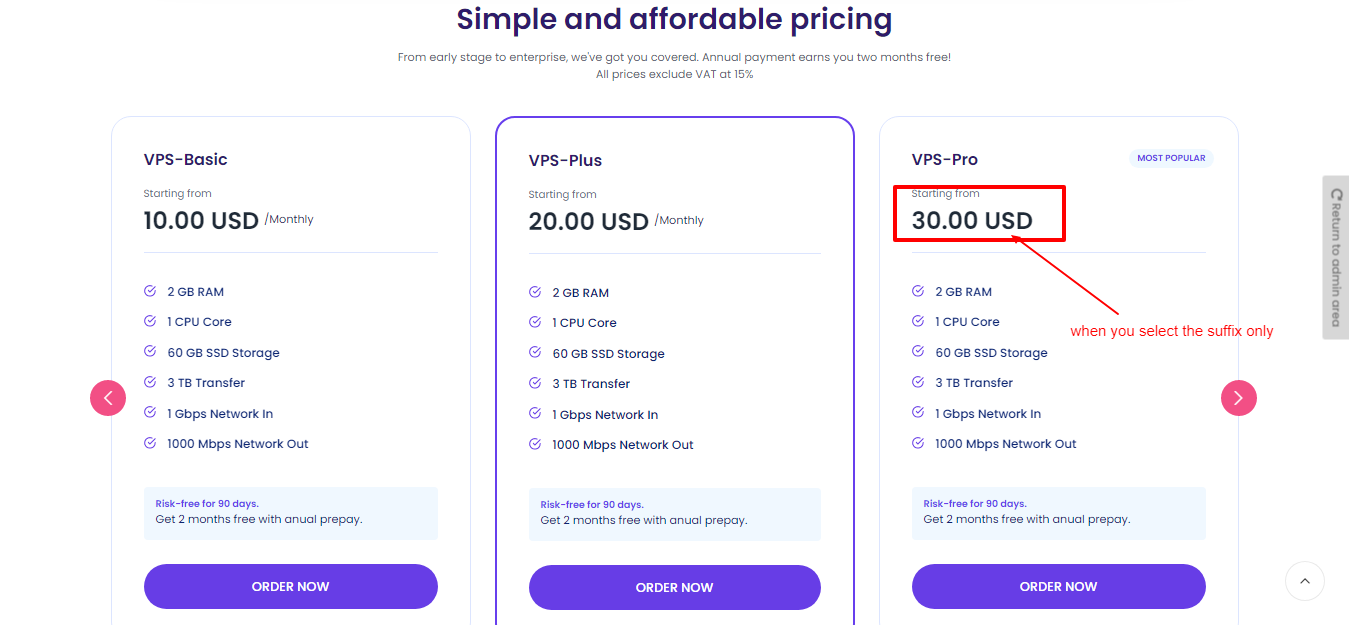
Step 5: After selecting the Dynamic Pricing for Suffix currency it will look like this.
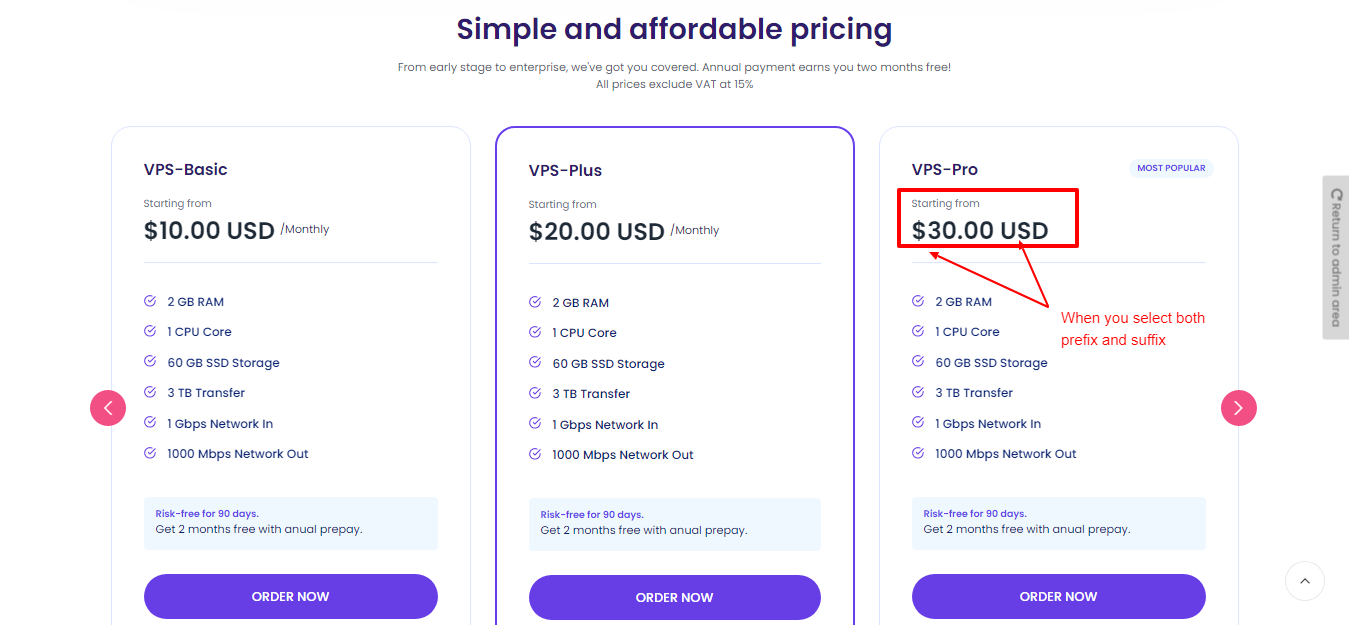
Step 6: After selecting the Dynamic Pricing for both (Prefix & Suffix)currency it will look like this.