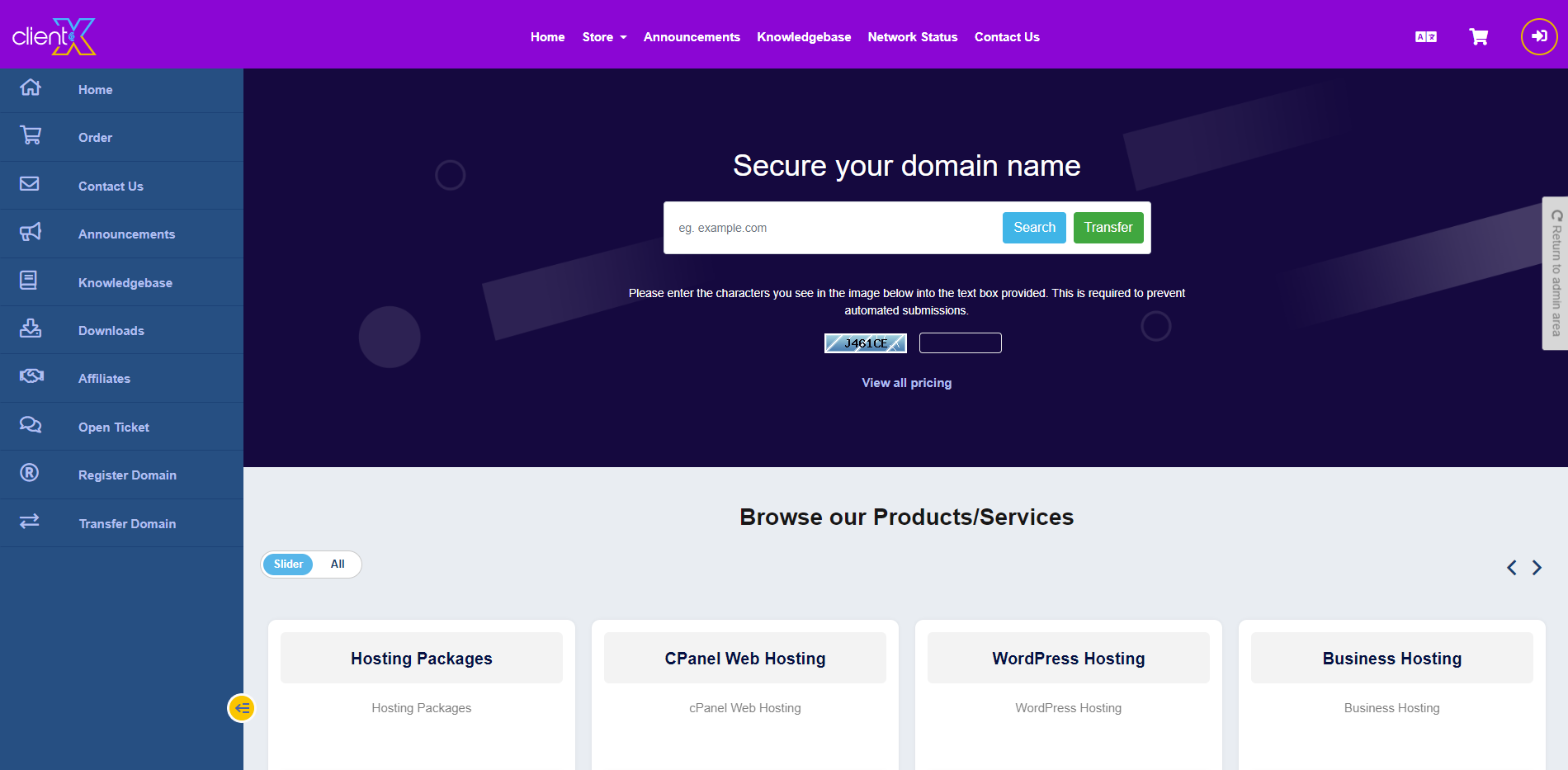
Step 1: Login to your FTP or Cpanel
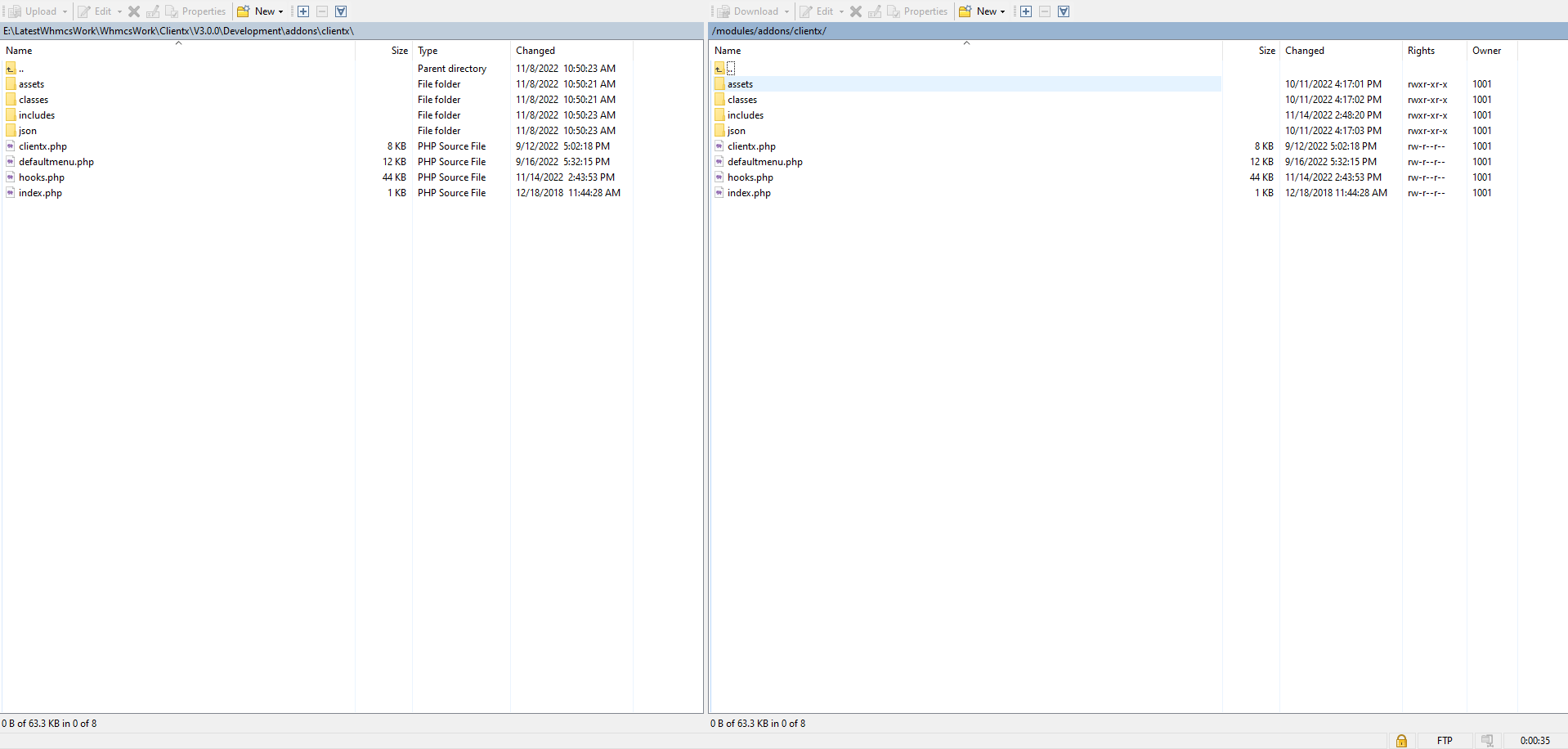
Step 2: Go to the following path over your WHMCS setup (modules/addons/clientx/)
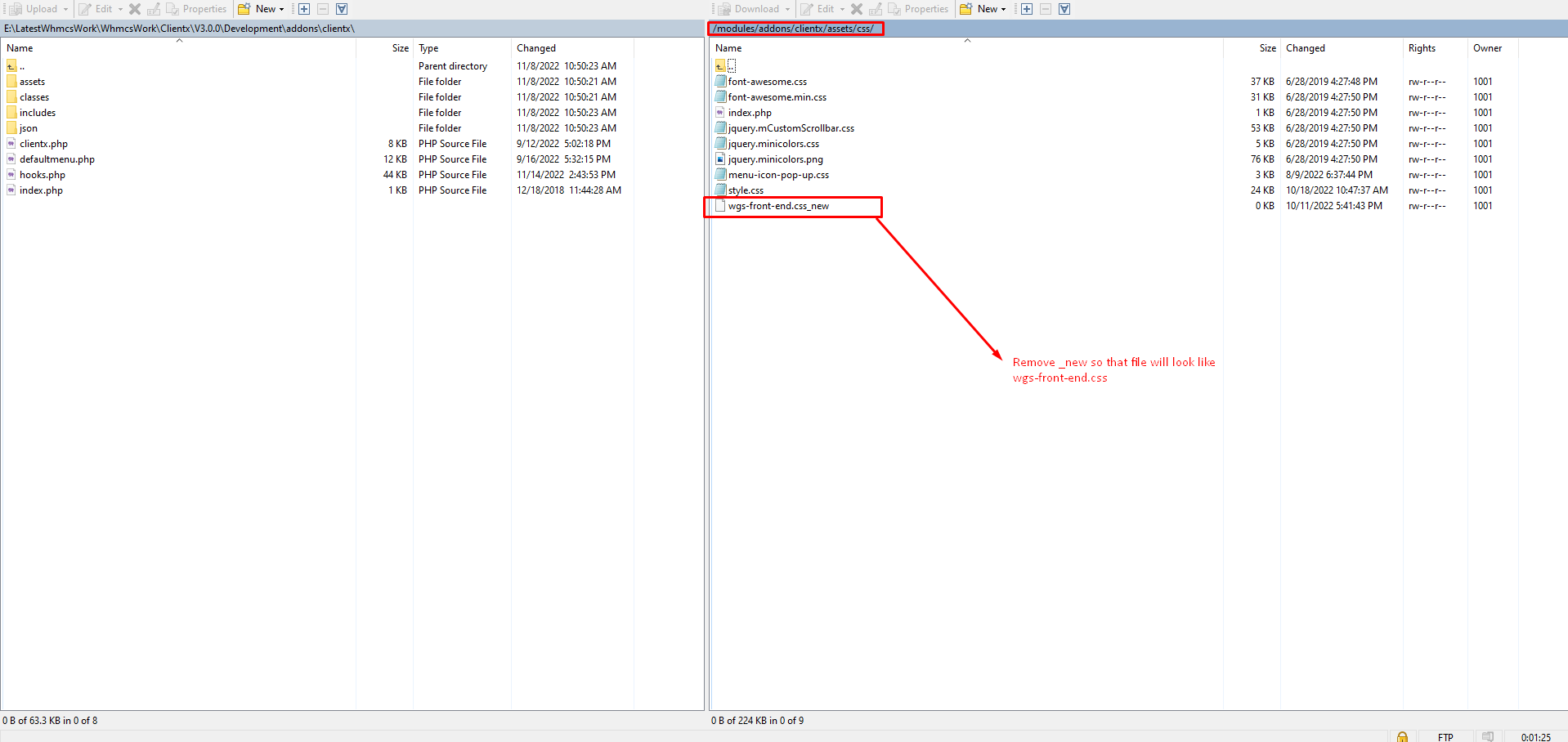
Step 3: Now remove_new so that files will be look like wgs-front-end.css
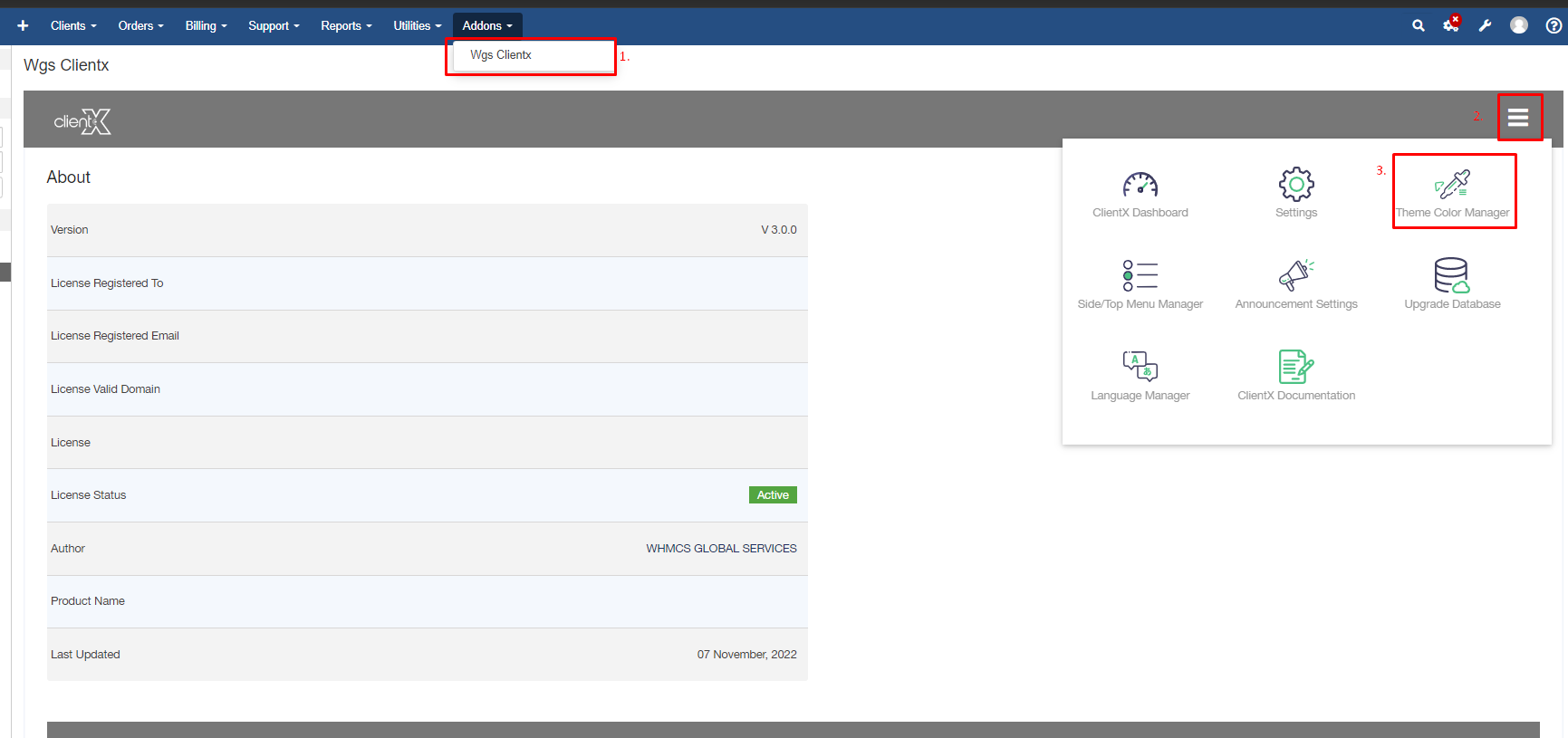
Step 4: Log in to WHMCS Admin
Step 5: Go to Addons > WGS ClientX > Theme Color Manager
Step 6: After clicking on Theme Color Manager you will see the enable custom setting checkbox
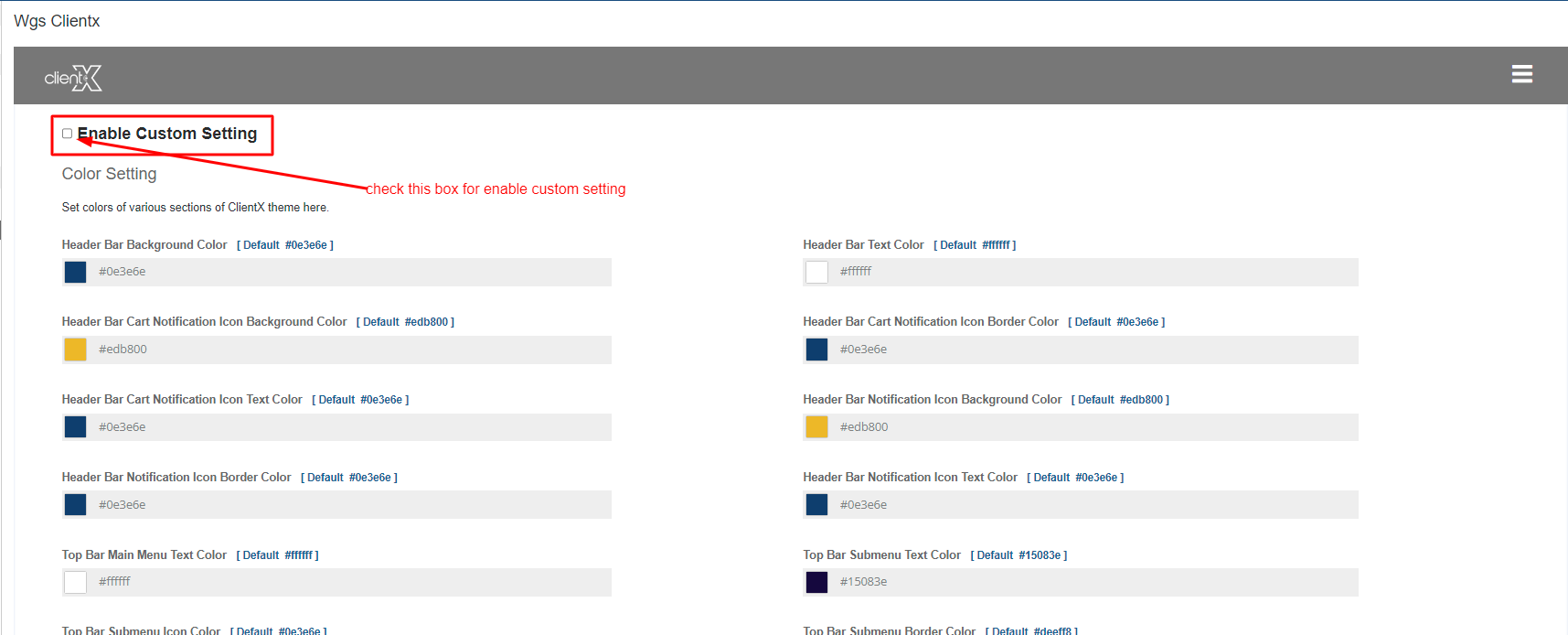
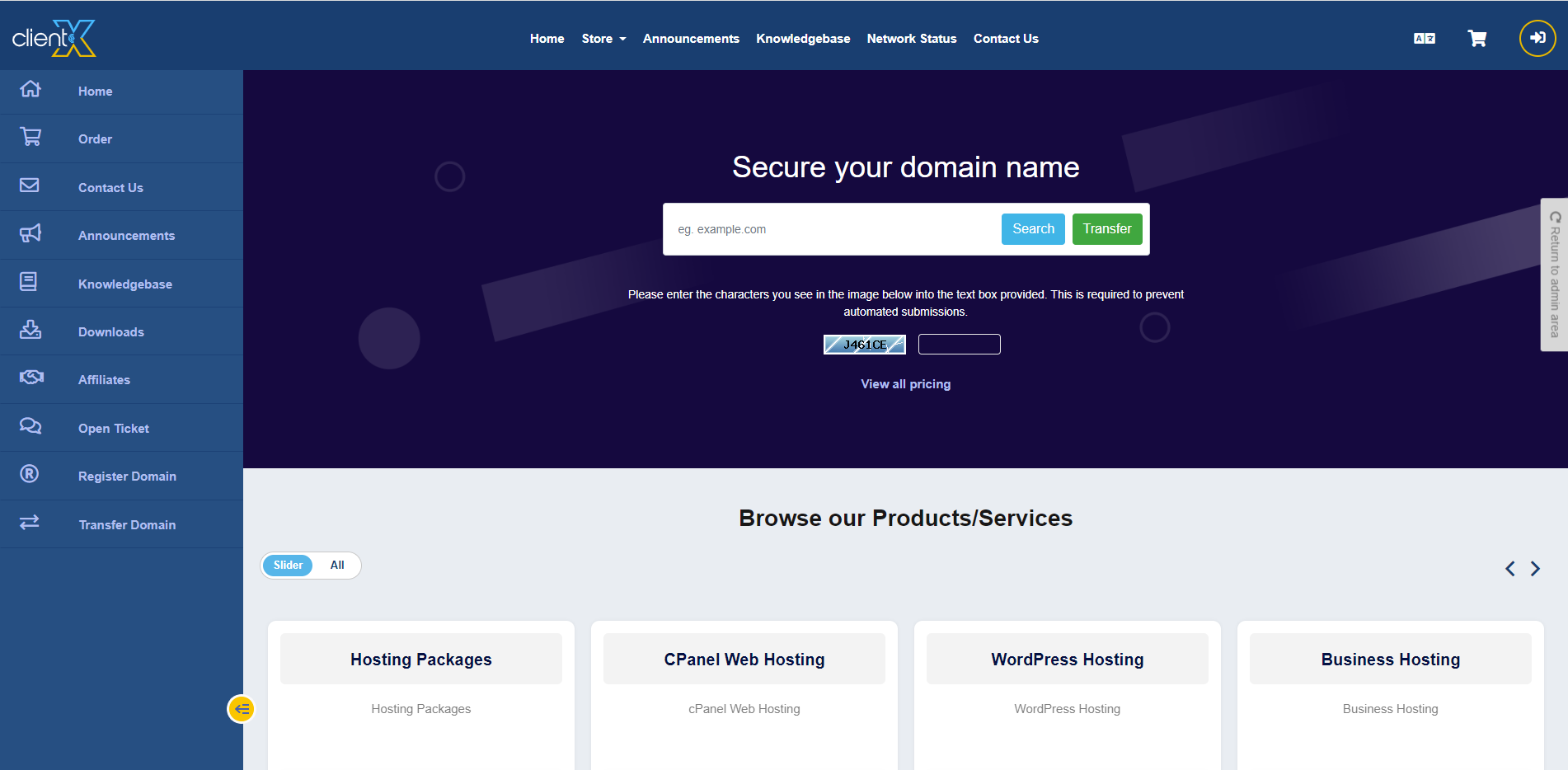
Step 7: Before enabling this option (Theme Color Manger) it will looked like this.
Step 8: Now check this enable custom setting box
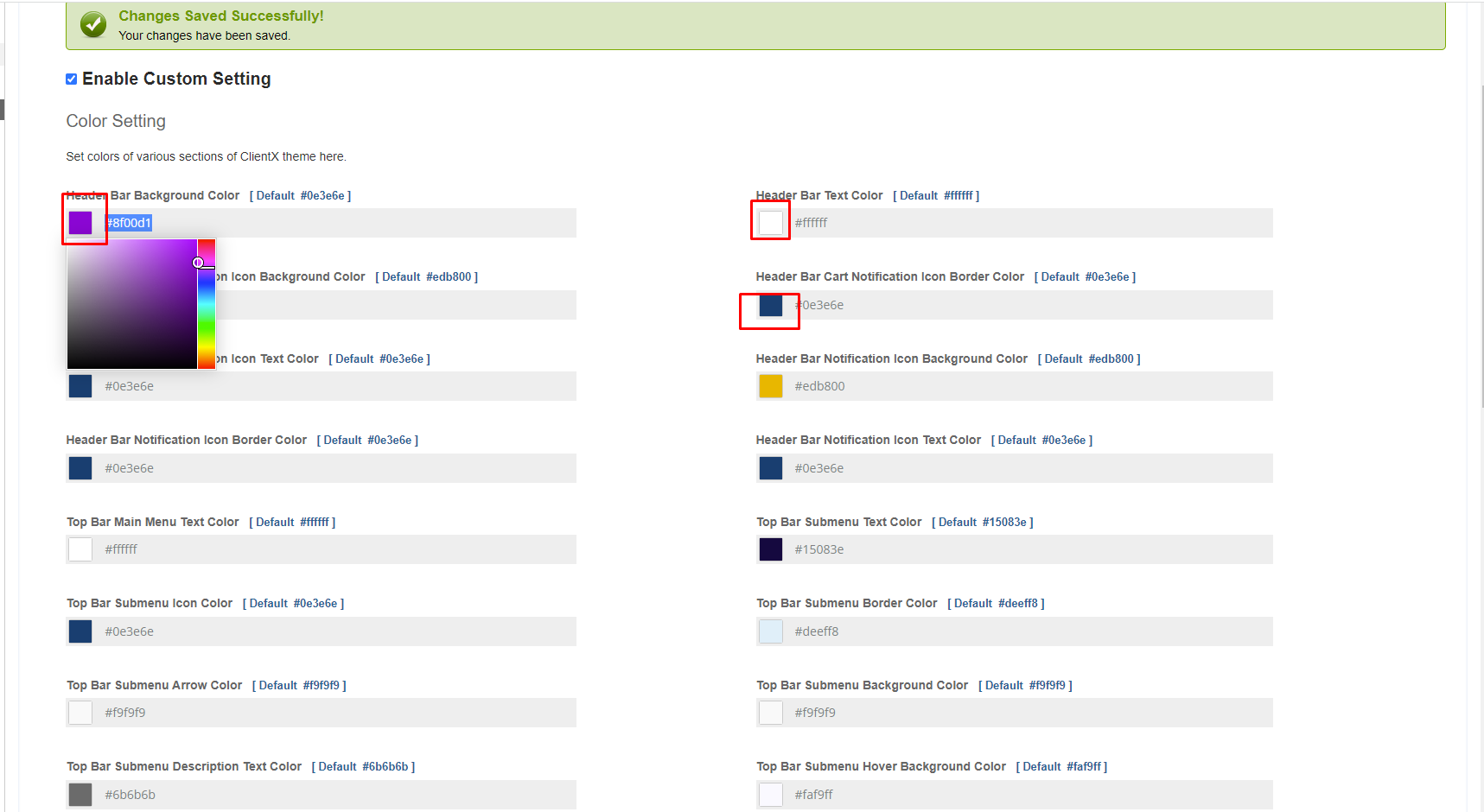
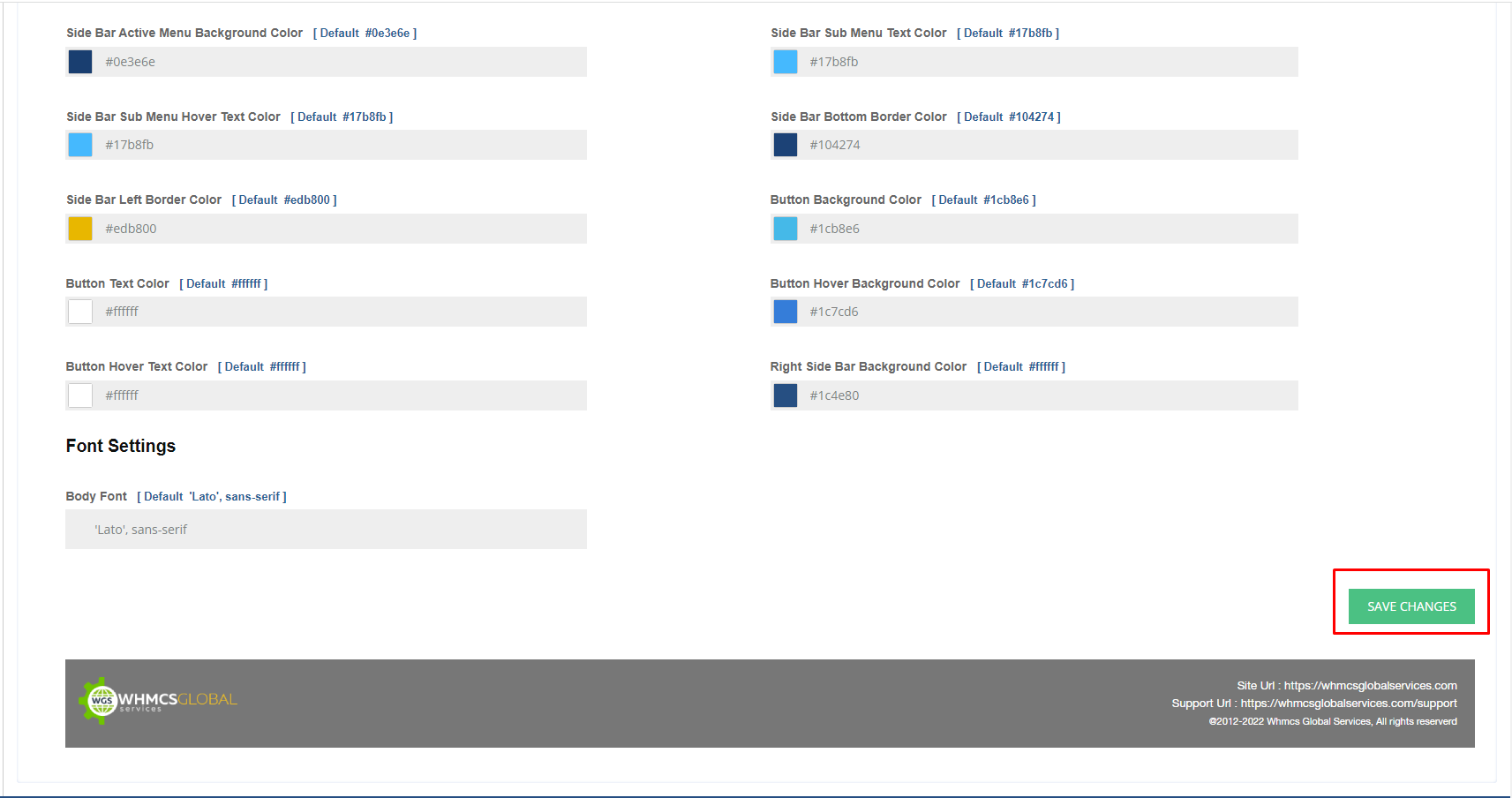
Step 9: After enable the Custom setting box then click on save settings
Step 10: After enabling this option (Theme Color Manger) it will looked like this