
How to change login screen text?
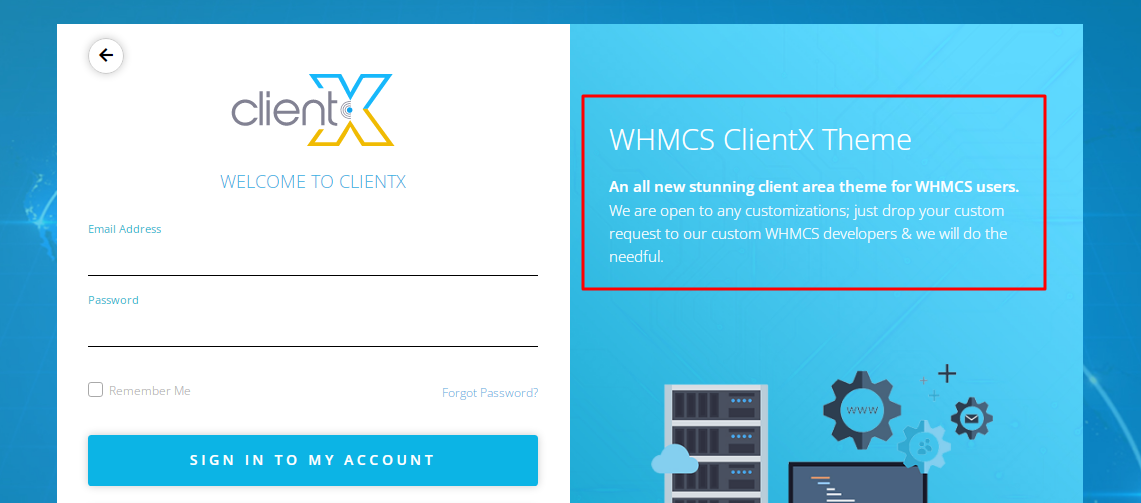
Step 1: Log in to ftp or cpanel
Step 2: Go to following path in the[lang/override/]
Step 3: Now edit the english.PHP
Step 4: After editing the language you will see a screen similar to screenshot below and then you can change the text written inside the double quotes as per your choice.

Note: Change the right side content between the quotes
Step 5: Once you have done your required changes you need to save the files and check on the frontend.
